
What an Agent is made of
Base model+Instructions, knowledge & files+Skills, tools & integrations→Your AI AgentUsable in Chat and Flow

MTN AI · AI platform
Chat, images, Agents and file workspaces on models from several providers, with company-wide rules for data and spend.
Available model families


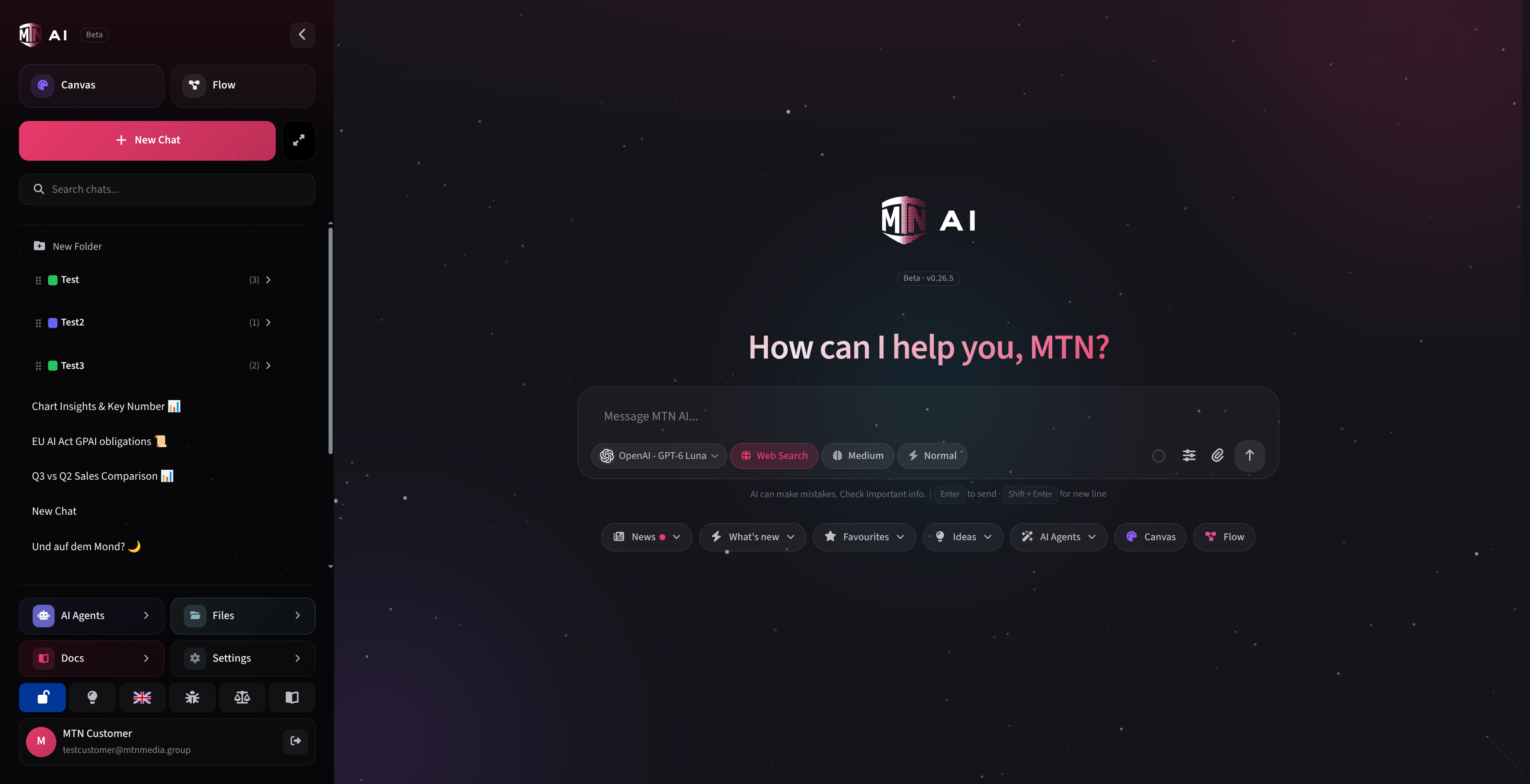
Models
One account gives you models from Anthropic, OpenAI and Google plus open models hosted fully in the EU.
EXAMPLE MODELS
Claude OpenAI GPT Gemini DeepSeek GLM KimiLogos are trademarks of their respective owners, shown for reference only.
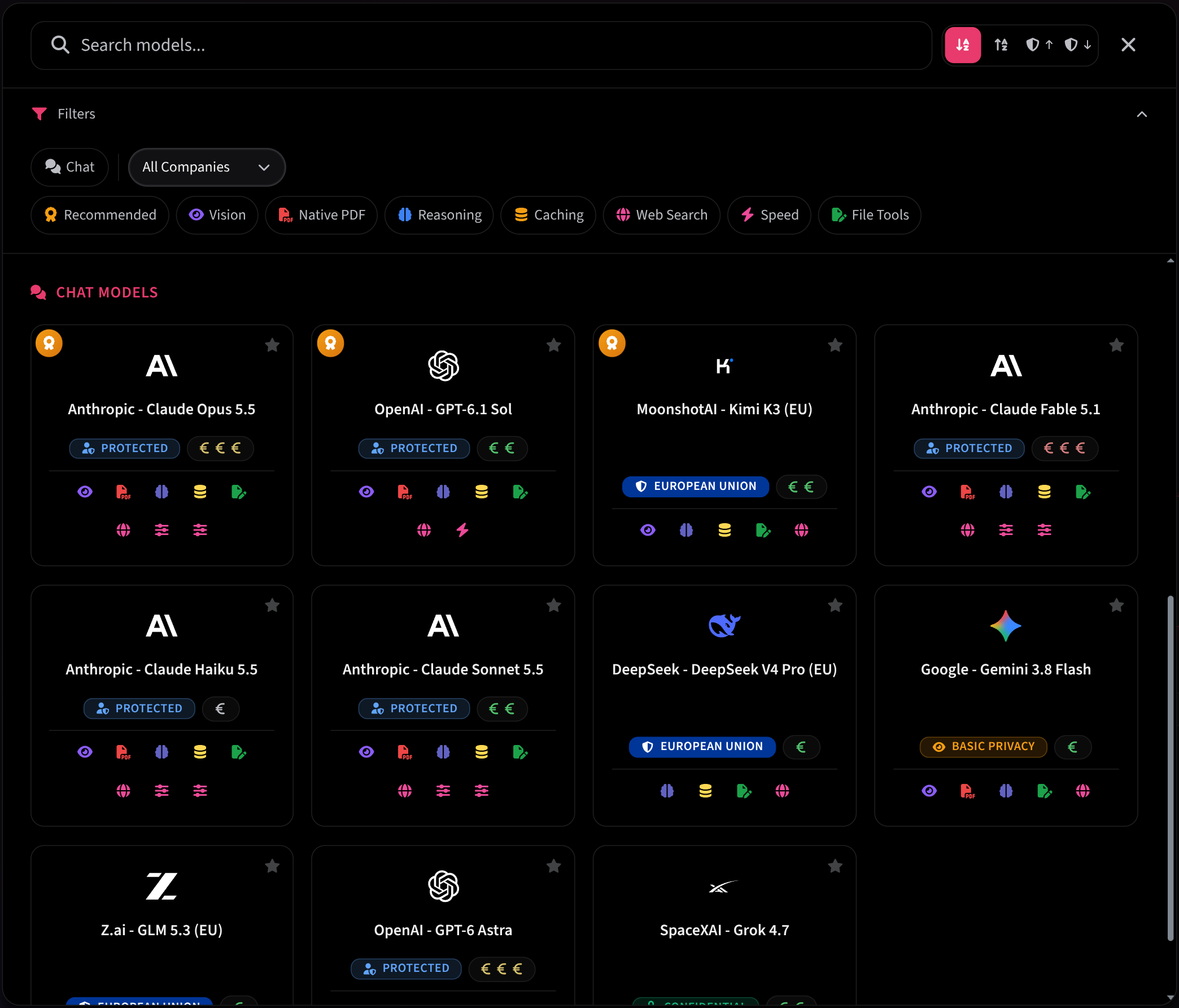
Chat
Draft, analyze, translate, summarize and code in one conversation.
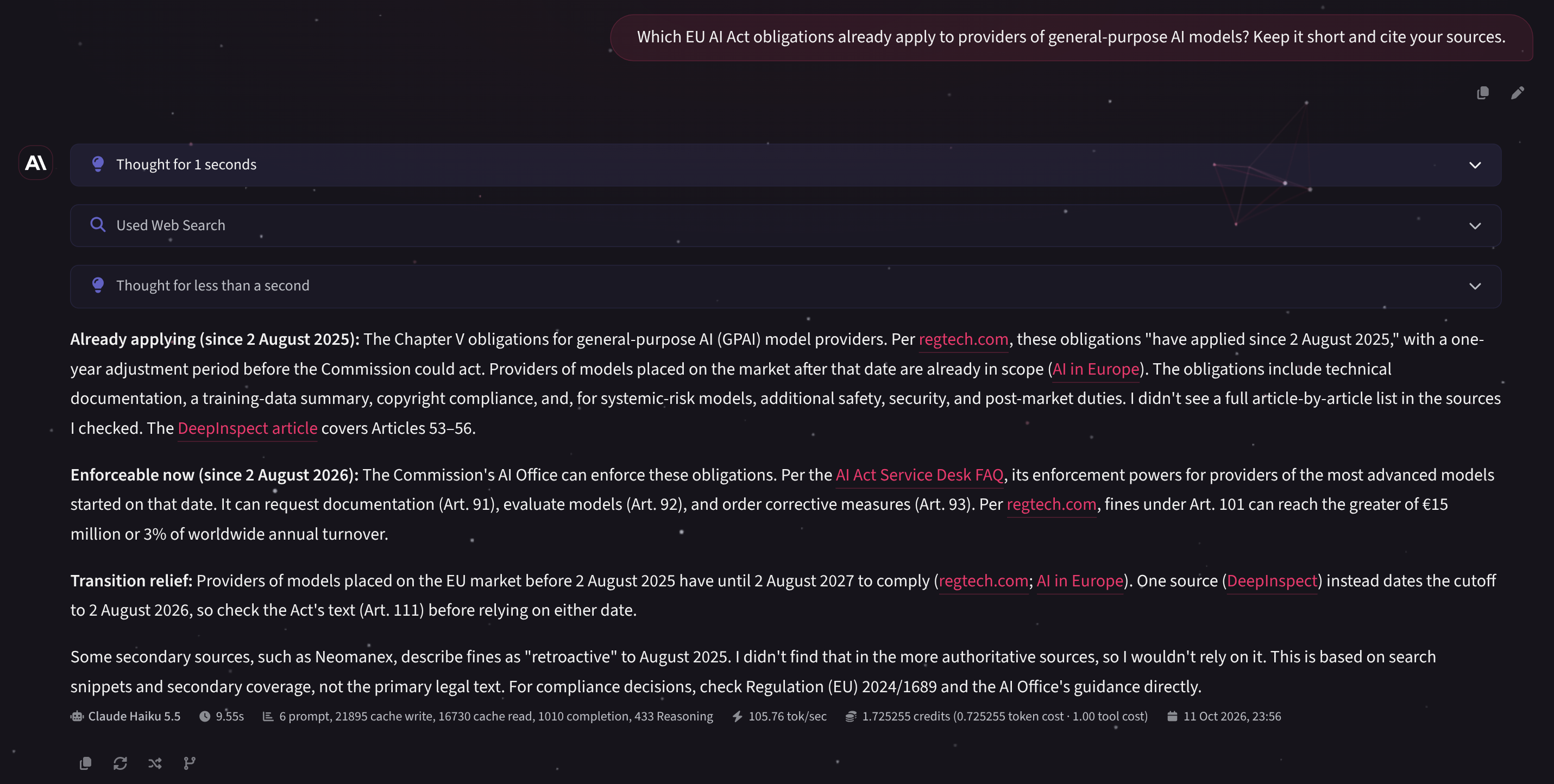
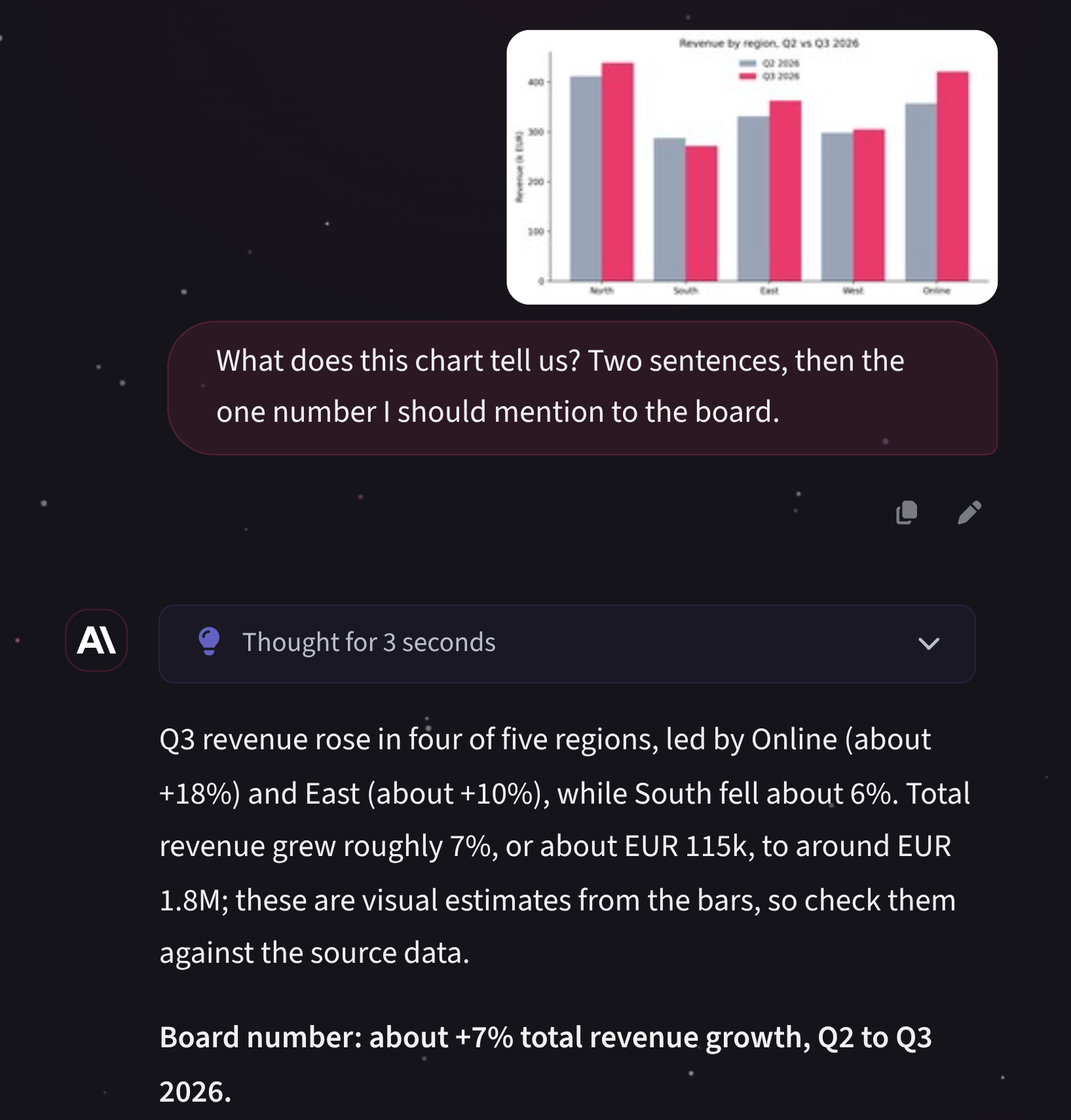
Files & workspaces
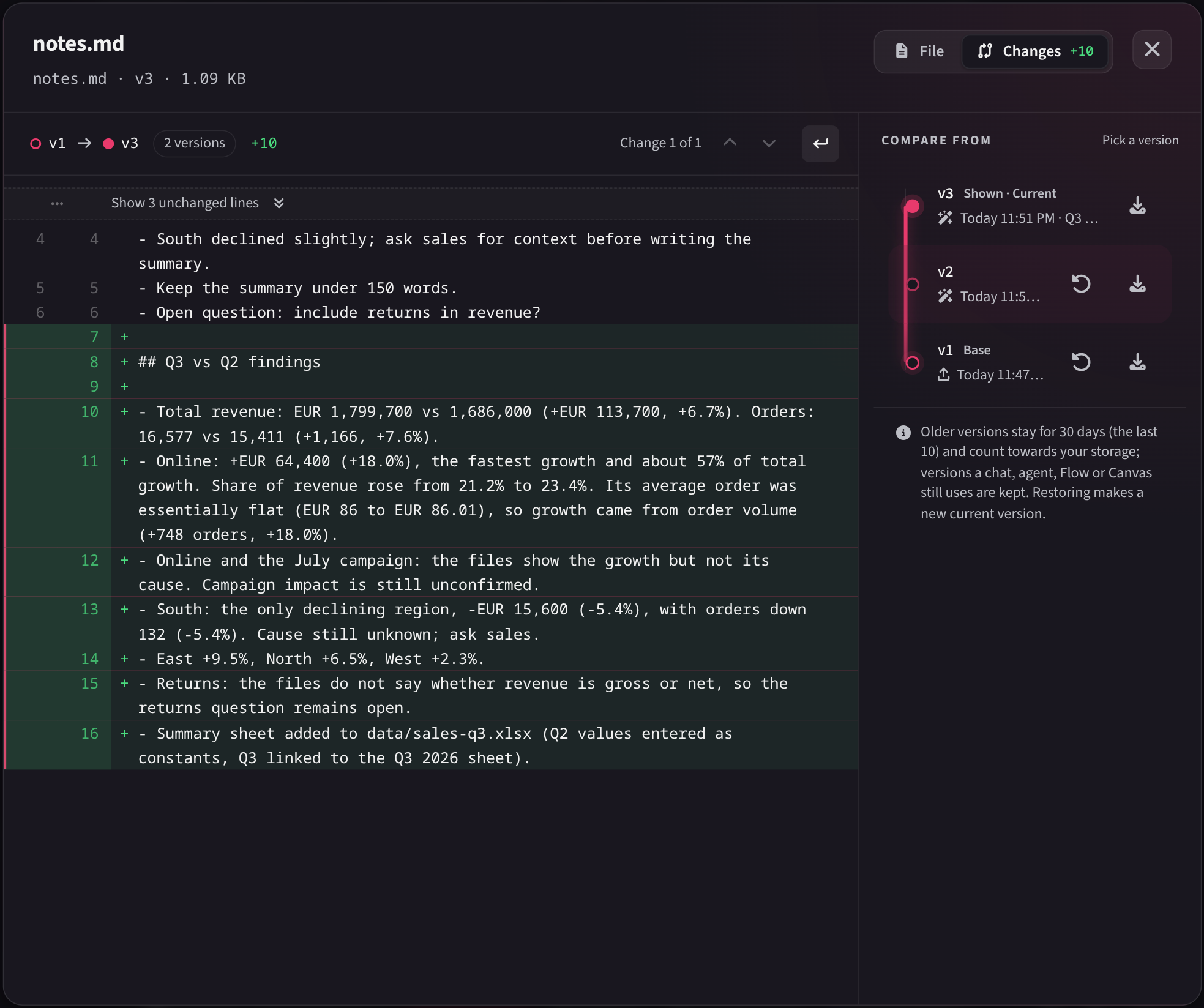
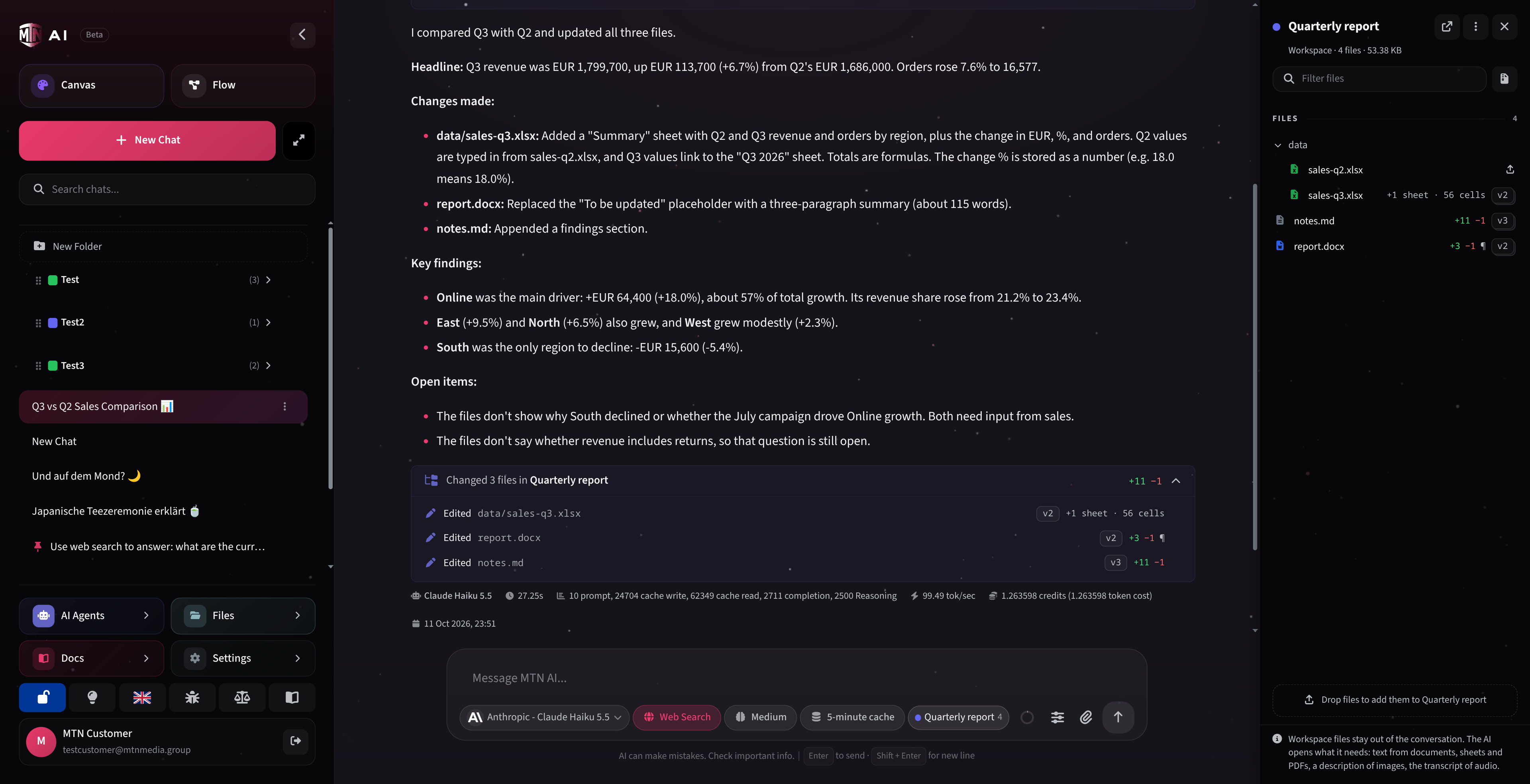
A workspace is a folder from your files that you attach to a chat or a Flow.
Files are opened when needed, not sent along with every message, so long chats stay fast.
AI Agents
Configure it once, then pick it in Chat or Flow like any model.
Canvas
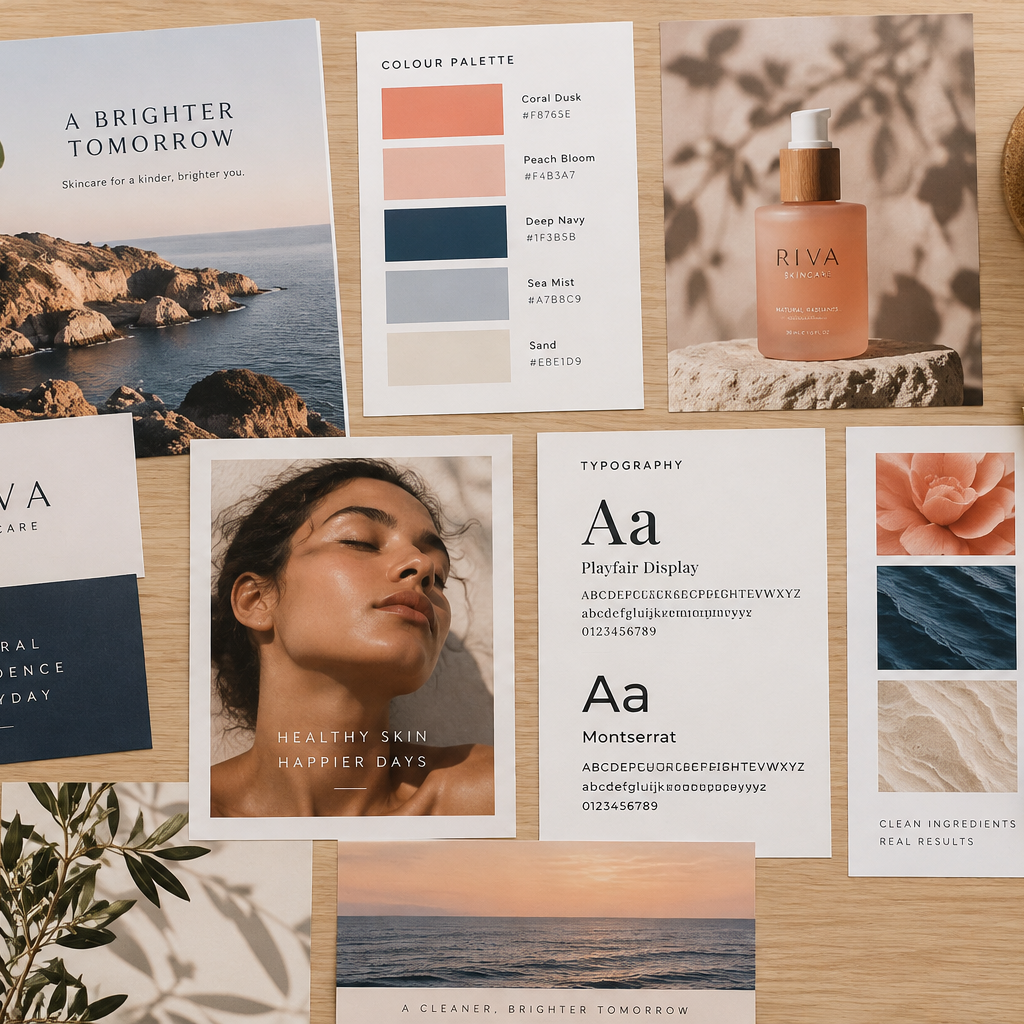
Images are paid from the same balance as chat, without a separate image subscription.

Flow
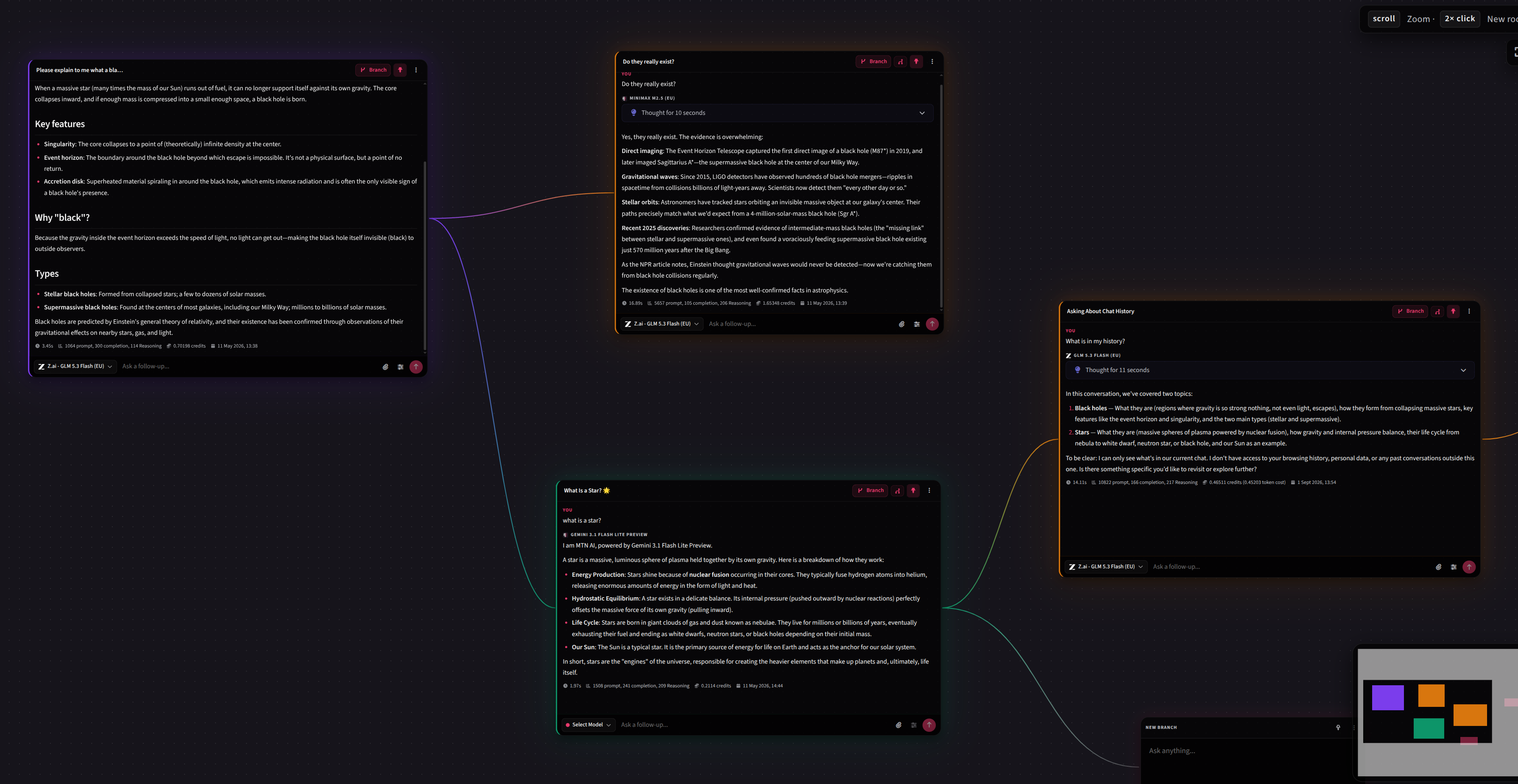
Flow lays a conversation out on a canvas, so one prompt can branch into several paths.
Privacy
You see the tier before you send, and companies can require a minimum tier for everyone.
Privacy tiers, strongest to weakest
Provider hosted in the EU, zero retention, no training.
Zero retention at the provider, no training; processing may happen outside the EU.
Provider processes data in accordance with the GDPR; temporary retention possible, no training.
Zero data retention, no training.
The provider may retain data; no training.
No guarantees; data may be used for training.
Tiers describe the model provider only. Your account, chats and files are hosted exclusively in the EU and processed in accordance with the GDPR.
Integrations & API
Connected tools are given to Agents, tool by tool.
Included in Freelancer, Teams+ and Teams BYOK · Individual on request
Ready-made connectors for widely used services; more on request.
Connect any service that speaks MCP, including your in-house servers. An admin approves every server before it is used.
Add-on · individual contract
Connectors we build and maintain for systems without MCP, usually for a specific customer request.
Add-on · individual contract
Use MTN AI from your own software through an OpenAI-compatible API, available for every plan on request.
Pricing
Personal use has no platform fee; company plans add seats and controls.
For personal, non‑commercial use. Freelancer features without a platform fee, billed purely by usage; integrations and MCP servers on request.
Agent scope: Personal AI Agents
Non-profit? Contact us to put your whole organization on a Teams plan.
0€/ mo
Register nowPay yearly and get one month free
8€/ month
38€/ month
48€/ month
Add-onsPremium integrations · APIIndividual contract
Commercial plans: pay yearly and get one month of the platform fee free (usage excluded). All prices exclude 19% VAT.
Completed responses billed through MTN credits show their billed cost by default.

For large organizations
For organizations with their own provider contracts: bring your own API keys and pay providers directly at your negotiated rates, with no token markup from us.
Agent scope: Personal + organization AI Agents
Custom pricing
Talk to salesFAQ
A saved prompt is text you paste again. An Agent also keeps its base model, knowledge, files, settings, skills and tools, and you pick it in Chat or Flow like a model. Built-in capabilities still depend on the selected base model.
Yes. A lead Agent can delegate bounded tasks to the specialist Agents configured for it and combine their results; billed cost is shown when applicable. Specialists do not call further specialists.
Individual and Freelancer include personal AI Agents. Teams does not include AI Agents. Teams+ and Teams BYOK include personal Agents plus organization Agents that can be shared company-wide or limited to selected departments.
An ordinary folder from your Files page that you attach to a chat or a Flow. With every message the AI gets a short list of its files and opens only what it needs. Each edit saves a new version; the last 10 older versions are kept for up to 30 days, and deleted files can be restored for 30 days. Only models with the File tools badge can work in a workspace.
An MCP server is a connector a service already offers through the Model Context Protocol: you add its address, an admin approves it, and its tools become available to your Agents. A premium integration is a connector we build for a system that has no MCP server. It is an add-on on an individual contract.
Yes, through the MTN AI API, available for every plan on request on an individual contract. It follows the OpenAI request format, so most OpenAI SDKs and tools work once you change the base URL and key. Requests run as the key owner and are billed like the web app.
Tokens are the small units AI models use to measure text: a short word is roughly one token, while longer words can be a few. Text-model charges are based on input and output tokens; images, requests and tools can use other billing units. Completed responses billed through MTN credits show their billed cost by default; BYOK usage is billed by the provider.
On every tier except Unrestricted Use, your prompts are not used for model training. How long the provider may keep them depends on the tier.
Your account, chats and files are hosted exclusively in the EU and processed in accordance with the GDPR. When you send a message, it goes to the selected model’s provider, and that model’s privacy tier applies. Contractual GDPR and deployment details are available during security review; after signing up, you can access our GDPR Data Processing Agreement (DPA) in the MTN Trust Center.
Register for personal use, or contact us about company plans, add-ons and the API.
MTN Media Group is not affiliated with, endorsed by, sponsored by, or in partnership with OpenAI, Anthropic, Google, or any other providers named on this page. All product names, logos and trademarks are the property of their respective owners and are used for identification only.